Extend Task Leave and Reserve Actions
Introduction
Portal provides a feature to run your own logic before a user leaves or reserves a task. This allows developers to inject their own business rules to perform additional operations.
This custom logic runs just before the leave or reserve action is completed. The primary trigger points are:
Clicking leave or reserve in the unsaved changes warning dialog when leaving a task.
Clicking the reserve button in the task action menu.
Implementation
To add your logic before task leave action, you create a callable subprocess with
Signature: portalExtendTaskLeave
Name
Type
Note
Parameter
workingTask
ch.ivyteam.ivy.workflow.ITask
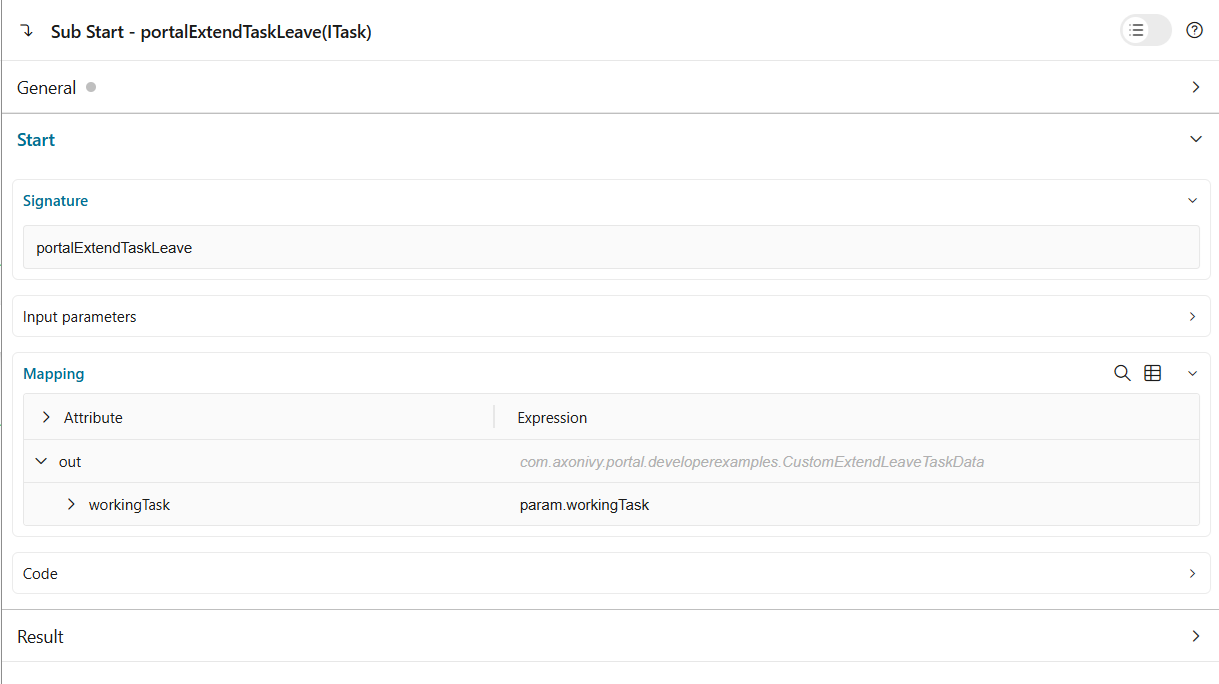
The parameter of the callable subprocess is the current
workingTask. Implement your custom logic in this callable subprocess.To add your logic before task reserve action, you create a callable subprocess with
Signature: portalExtendTaskReserve
Name
Type
Note
Parameter
workingTask
ch.ivyteam.ivy.workflow.ITask
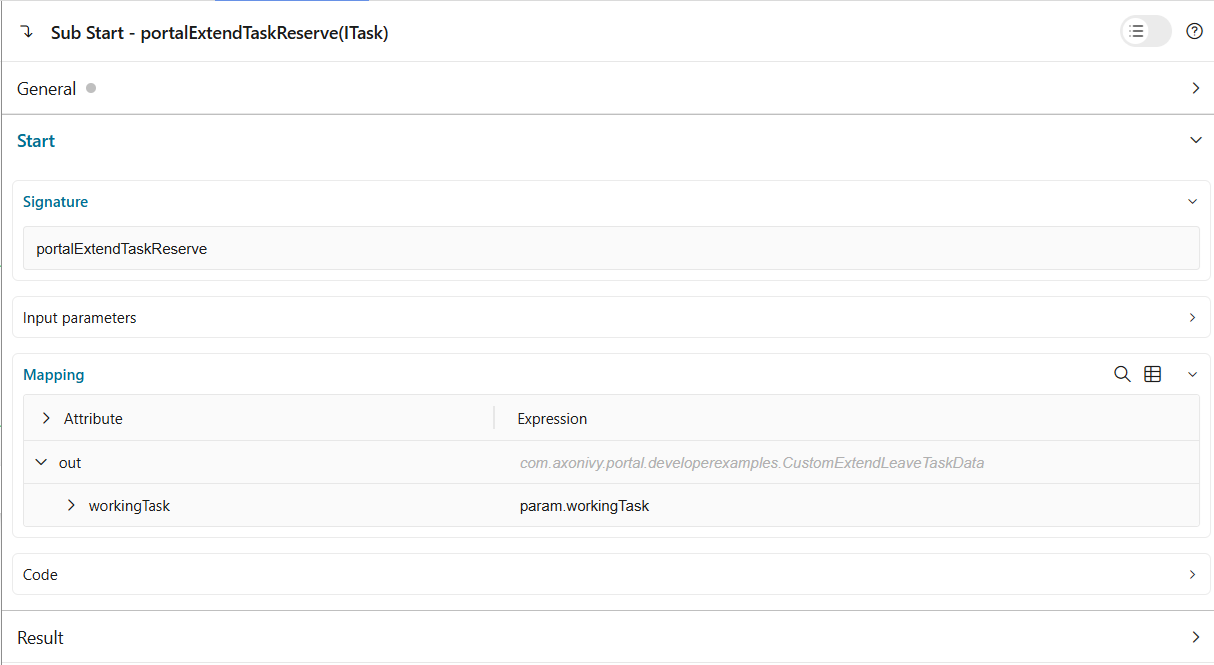
The parameter of the callable subprocess is the current
workingTask. Implement your custom logic in this callable subprocess.
Example
There is an example implementation in the project portal-developer-examples under the process name
CustomExtendTaskLeave.
There are 2 simple callable subprocesses:
The first one is for extending logic on leaving a task. It checks the category of the task, if it is
OtherLeave/SickLeave/Long, it creates a note indicating who has left the task.The second one is for extending logic on reserving a task. It checks the category of the task, if it is
OtherLeave/SickLeave/Long, it updates a custom fieldreserveTaskto count how many times the task has been reserved.
To see how it works, run the process portal-developer-examples: Start Processes/CreateTestData:CategoriedLeaveRequest(), start the created task Sick Leave Request, then leave the task with unsaved changes and click on the leave or reserve button.
Hint
If there are many customized callable subprocesses defined for the same signature, they will be executed in order.
If you want to execute customized logic only for specific tasks, you must check the task properties such as category, name, or id in the callable subprocess implementation.