Additional Components
Portal provides additional UI components and features that can be configured through the Admin Settings interface.
Note
Most Portal features are now configured through Admin Settings rather than requiring custom component integration. This provides a centralized, user-friendly way to manage Portal behavior.
Global Growl
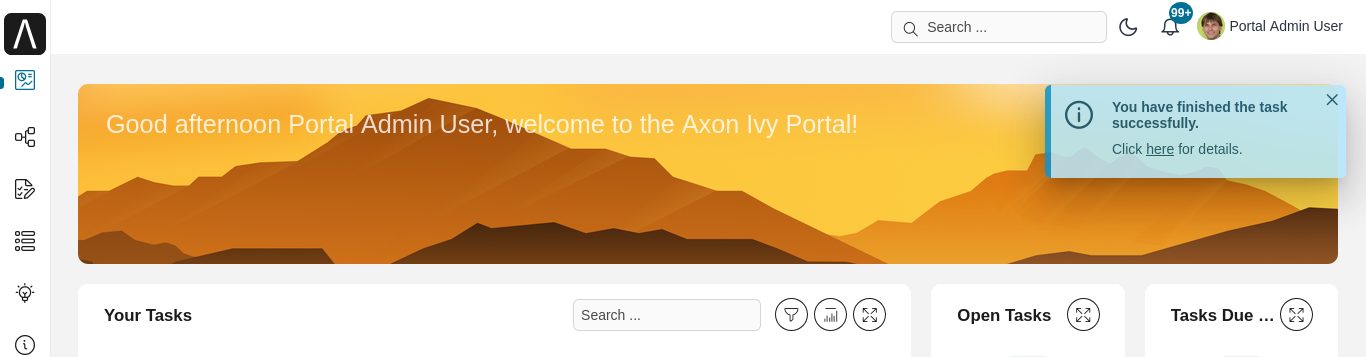
Portal includes a global growl component for displaying notification messages to users.
Usage
To display messages using the Portal global growl in your custom dialogs:
<p:growl id="portal-global-growl" widgetVar="portal-global-growl"
         for="portal-global-growl-message" escape="false" showDetail="true" />
Configuration
The global growl behavior is controlled by the Portal setting Portal.DisplayMessageAfterFinishTask, which can be configured in Admin Settings.
Examples:
Growl After Finishing a Task
Tip
Configure Portal behavior through Admin Settings for easier management without code changes.