Login
Login page
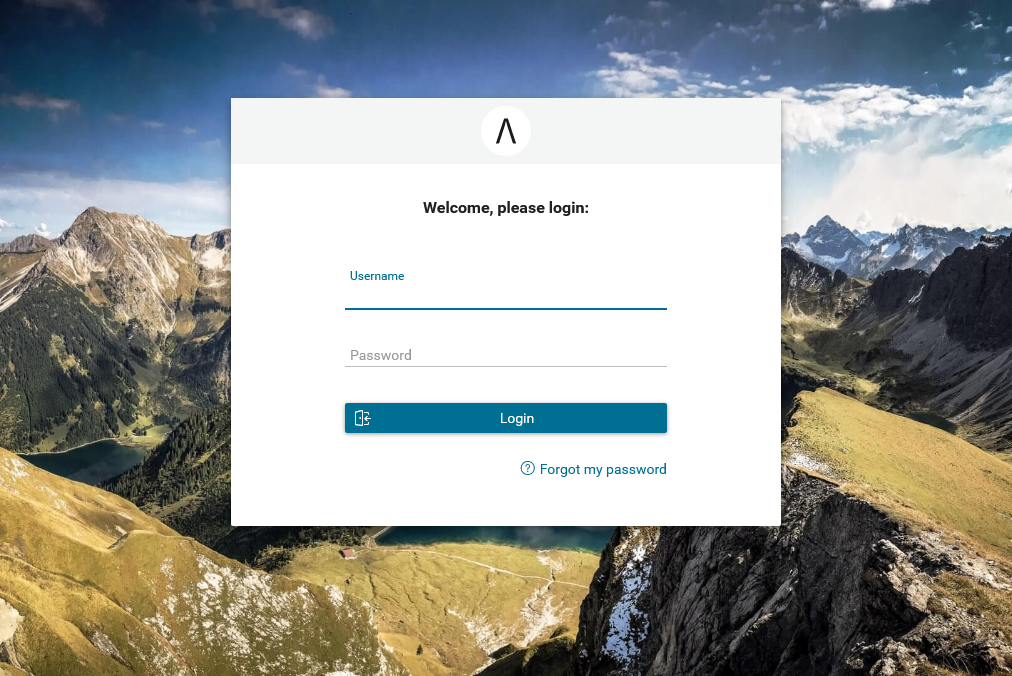
To replace default login page, extend existing templates with
ui:define name="login" to define your new login component like below
<ui:composition template="/layouts/BasicTemplate.xhtml">
  <ui:define name="login">
    <ic:internaltest.ui.YourOwnLoginComponent />
  </ui:define>
</ui:composition>
Additional
To change the default login background image, simply replace the default
image in /PortalStyle/webContent/resources/images/login/login-bg.jpg by your image.
Login error page
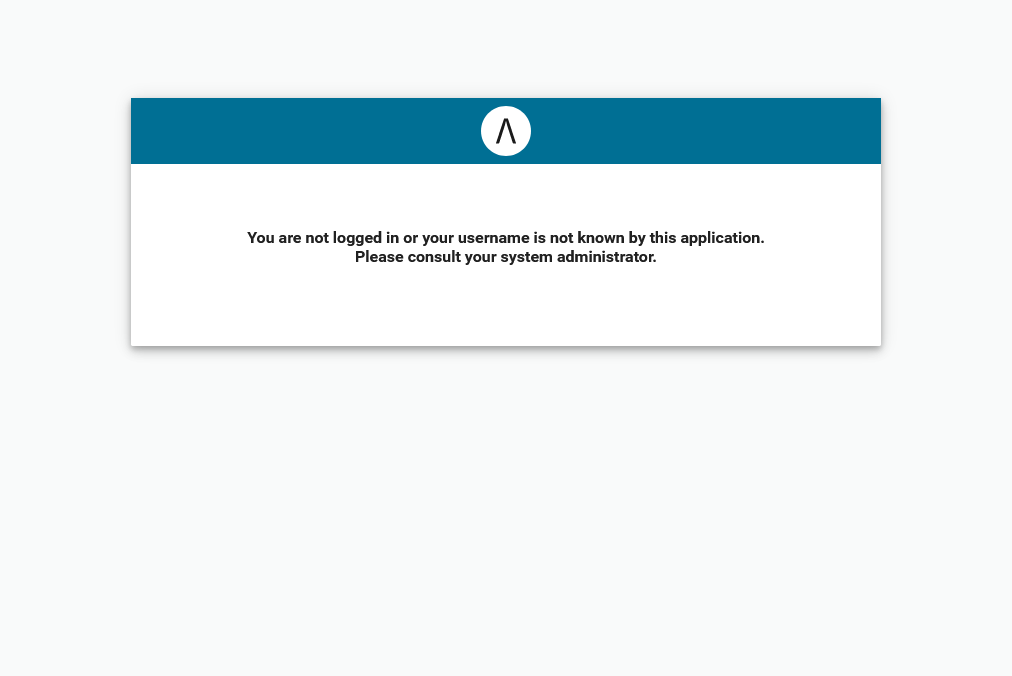
This page is to show error message instead of Login page when you are using external authentication and the user is not created in your application user list.
To replace default login error page, extend existing templates with
ui:define name="loginErrorPage" to define your new login error component like below
<ui:composition template="/layouts/BasicTemplate.xhtml">
  <ui:define name="loginErrorPage">
    <ic:internaltest.ui.YourOwnLoginErrorComponent />
  </ui:define>
</ui:composition>